
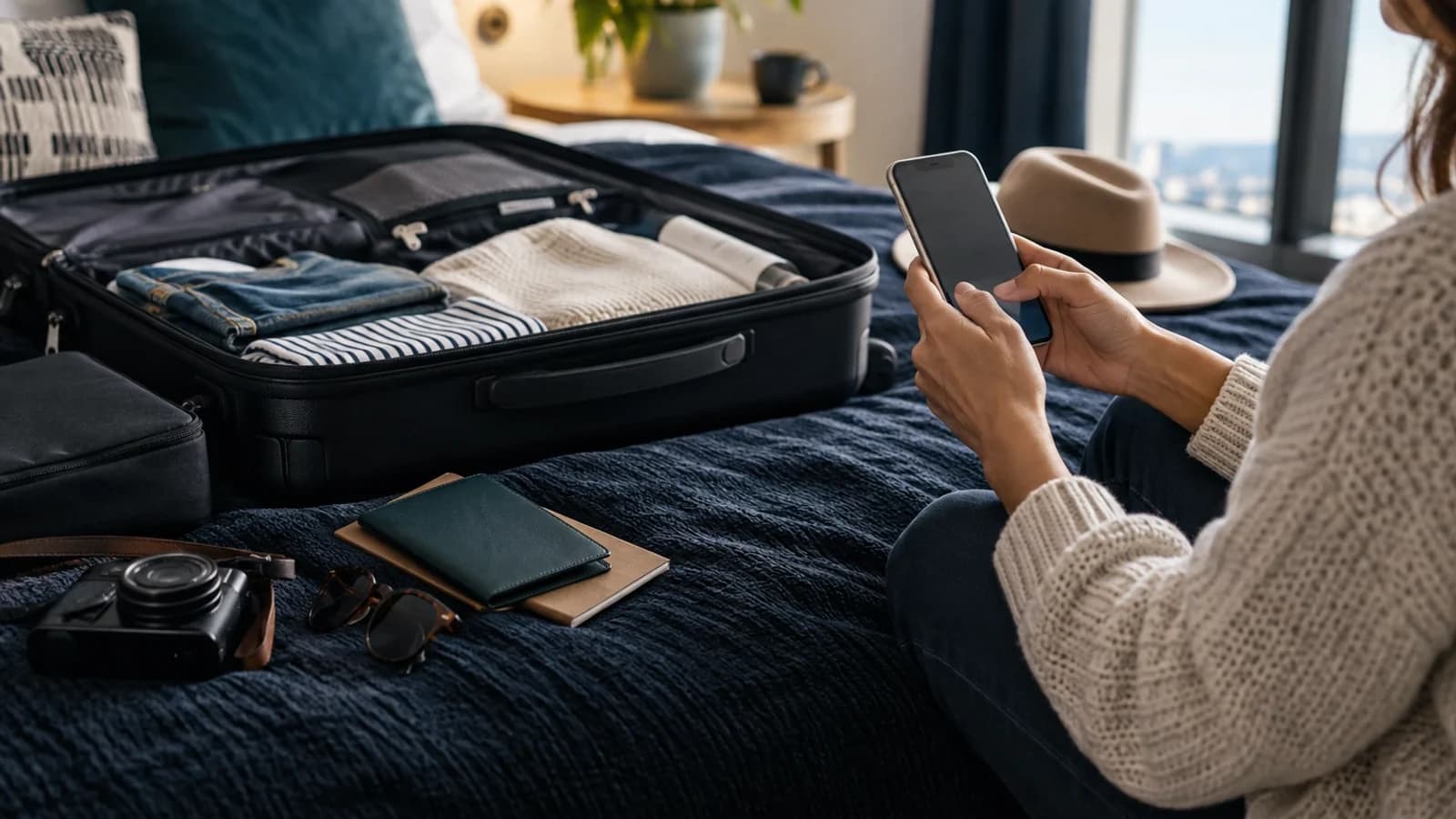
Most costly setup mistakes are simple ones: the wrong line remains selected for data, automatic switching is left on, or an eSIM is removed before support has checked it.
Two active lines are useful, but labels such as Primary and Secondary are easy to misread when you are tired after a flight. Set the phone up while you still have reliable Wi-Fi: give each line an unmistakable name, understand when the travel plan starts and decide which line should handle mobile data before you land.
Published 11 September 2026 · Editorially updated 12 September 2026 · Source checks last completed 11 September 2026 · Editorial image is illustrative · Commercial disclosure: suitcase.ie sells travel eSIMs.
Before installing
Confirm that the exact phone model and regional variant support eSIM, and that the phone is network-unlocked. Then read when the selected plan starts. Paying for an eSIM, receiving it, installing it and first connecting to a US network are separate moments; the plan terms tell you which one starts the validity period.
- Validity starts on first connection to a supported destination network. You can install before travel.
This wording comes from the live catalogue. Follow the instructions delivered with the purchased eSIM if they differ.
Use the compatibility checker before purchase. Regional hardware and carrier restrictions can matter even when a model family generally supports eSIM.
If you have not selected a plan yet, compare the current USA eSIM plans before installing so you can check the allowance, validity and activation rule together.
iPhone: keep the two lines distinct
Set this up while you still have dependable Wi-Fi. Clear labels make the arrival check much easier and reduce the chance of selecting the Irish line for data by mistake.
- Open Settings, then Cellular or Mobile Data.
- Add the eSIM using the delivered QR code or approved method.
- Label the Irish line “Irish line” and the travel line “USA data”.
- Select the USA line under Mobile Data.
- Review Allow Mobile Data Switching. Leaving it on can allow another line to provide data in some circumstances.
- Review data roaming separately for each line.
Apple states that an iPhone uses one mobile-data network at a time. Calls and messages can use either line, and additional provider fees can still apply.
Samsung Galaxy: add and label the eSIM
Samsung menu names can differ slightly by model and software version, but the aim is the same: add the profile, name both lines clearly and make an intentional choice for mobile data.
- Open Settings → Connections → SIM manager.
- Tap Add eSIM, then scan the delivered QR code.
- Label the plans so the Irish and USA lines are unmistakable.
- Select the USA eSIM as the mobile-data line.
- Review data switching and data roaming for both lines.
Samsung notes that eSIM service varies by country and carrier. Menu wording can vary with software version and device. These steps do not imply that Samsung’s carrier transfer features apply to a travel eSIM.
Arrival checks
After landing, turn off aeroplane mode and confirm that the USA eSIM is enabled and selected for data. Follow the delivered roaming or APN instruction exactly. A connection can take a few minutes; if it does not appear, restart the device once and use the existing Help Centre. Do not delete the eSIM unless support specifically asks you to, as it may not be possible to install the same profile again.
Two-line departure checklist
- Phone model and regional variant support eSIM.
- Phone is network-unlocked.
- Selected plan’s activation rule has been read.
- Irish and USA lines have clear labels.
- USA eSIM is selected for mobile data.
- Automatic data switching has been reviewed.
- Irish-line calls, SMS, MMS and voicemail charges are understood.
- QR code and manual details are saved securely off-device.
Use your browser’s print command to save this checklist.
Evidence
Sources
- Vodafone Ireland: Roaming rates and weekly data bundlesChecked 2026-09-11 · Eligibility and charging priority depend on the customer's plan. RED Roaming can take priority.
- Vodafone Ireland: Travelling abroad supportChecked 2026-09-11
- Apple Support (Ireland): Using Dual SIM with an eSIMChecked 2026-09-11
- Samsung Support UK: Galaxy eSIM and supported network carriersChecked 2026-09-11
Tariffs, coverage and transport arrangements can change. Check the linked provider or operator source before relying on a time-sensitive detail. Material corrections are reflected on this page and in its evidence record.
Continue planning
Related USA connectivity resources

Irish plans in the USA
USA roaming costs for Irish travellers
Compare verified USA roaming options for Irish mobile plans. Check eligibility, daily limits and trip costs before deciding whether you need an eSIM.

Networks and coverage
USA mobile networks and coverage
Learn how to check AT&T, Verizon and T-Mobile coverage for a USA trip, and distinguish a network's coverage map from your travel eSIM's actual access.

New York first-hour checklist
JFK and Newark arrival connectivity
Prepare your phone for JFK or Newark arrivals: save transfer details, check airport guidance, connect your data line and plan for limited offline navigation.